UDC3500
UDC3000 Series • Refrigeration Controller
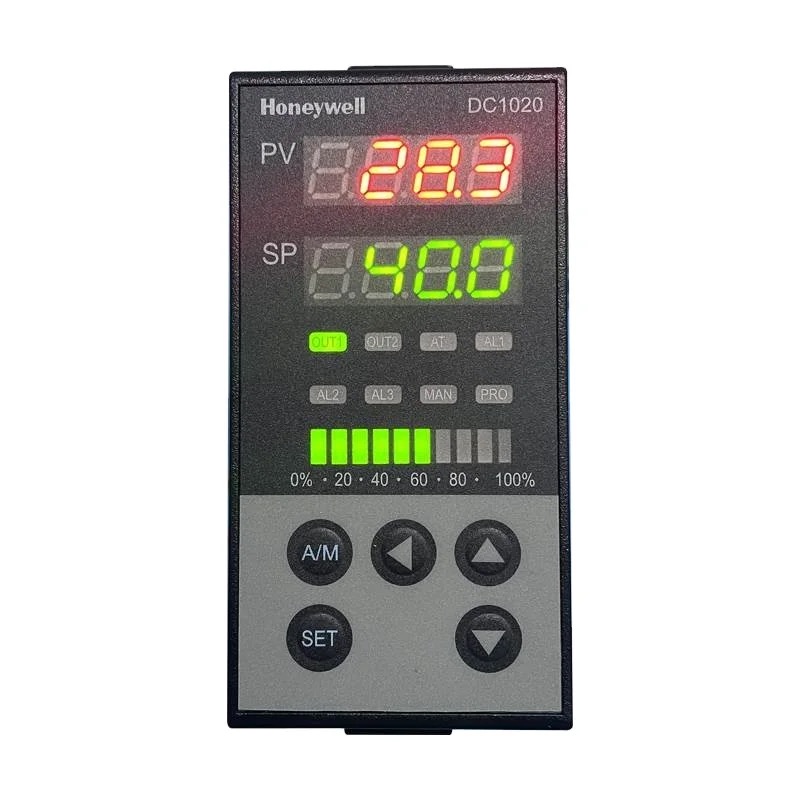
Quick Info
Output Functions
Advanced 1/4 DIN controller with profiling capability
Technical Specifications
Display & Interface
| Display Type | LED |
| Display Digits | 5 |
| Buttons | 6 |
| LED Indicators | Out 1, Out 2, Out 3, AL1, AL2, Program |
Power Supply
| Voltage | 100-240V AC |
| Voltage Range | 85-264V AC |
| Frequency | 50/60Hz |
| Power Consumption | 15VA |
Sensor Inputs
| Probe Inputs | 2 |
| Probe Type | TC / RTD / mA / mV / V |
| Temp Range | -270 to 1820°C |
| Accuracy | ±0.05% |
Relay Outputs
| Relay Outputs | 3 |
| Relay Rating | 5A/250VAC |
Physical
| Panel Size | 96x96 mm |
| Depth | 160 mm |
| IP Rating | IP54 (front) |
| Weight | 600 g |
Operating Conditions
| Operating Temp | 0 to 55°C |
| Storage Temp | -40 to 85°C |
Wiring Terminals
| Terminal | Function | Type | Wire Color |
|---|---|---|---|
| L | Power L | Input |
brown
|
| N | Power N | Input |
blue
|
| 1 | Input 1 + | Input |
red
|
| 2 | Input 1 - | Input |
white
|
| 3 | Input 2 + | Input |
red
|
| 4 | Input 2 - | Input |
white
|
| O1 | Output 1 | Output |
black
|
| O2 | Output 2 | Output |
blue
|
| O3 | Output 3 | Output |
red
|
| AO | Analog Out | Output |
yellow
|
| A | RS485 A | Comm |
blue
|
| B | RS485 B | Comm |
yellow
|
Important: Always disconnect power before wiring. Verify terminal numbers with the actual controller label before connecting.
Parameter Settings
| Code | Parameter | Range | Default | Description |
|---|---|---|---|---|
| SP1 | Setpoint 1 | Per input | 25 °C | Primary setpoint |
| SP2 | Setpoint 2 | Per input | 0 °C | Secondary setpoint |
| In1 | Input 1 Type | 0-25 | 5 | Sensor 1 selection |
| In2 | Input 2 Type | 0-25 | 0 | Sensor 2 selection |
| Pb1 | Prop Band 1 | 0 to 9999 | 50 | PID 1 P |
| rSt1 | Reset 1 | 0 to 9999 | 10 | PID 1 I |
| rAt1 | Rate 1 | 0 to 10 | 0 min | PID 1 D |
| PrG | Program | 0-8 | 0 | Profile program |
| SEGS | Segments | 1 to 32 | 8 | Profile segments |
| Addr | Address | 1 to 247 | 1 | Modbus address |
Error Codes
Solution: Check sensor
Solution: Check wiring
Solution: Check input type
Solution: Check input type
Solution: Replace controller
Frequently Asked Questions
Navigate to PrG menu, set SEGS count, then define each segment target and ramp rate
Yes, with optional Ethernet module supporting Modbus TCP
Alternative Models (Cross Reference)
Manufacturer Information
Brand: Honeywell
Country: USA